Web app
Paste a secret, choose expiry and read limits, then share the encrypted link from any browser.
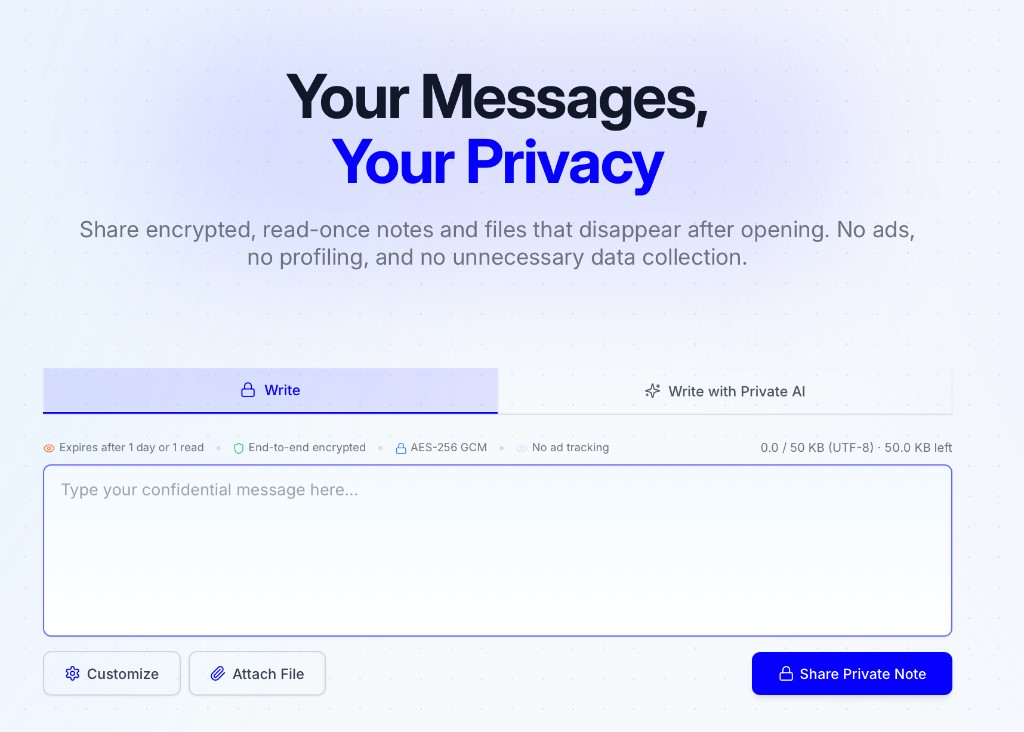
Open privatenote.ai → paste secret → share encrypted link
PrivateNote is useful as a website, but developer teams usually need the same encrypted handoff inside editors, local AI agents, scripts, and controlled deployments. This page maps those entry points and the trust boundary behind them.
Pick the path closest to where the secret already lives. Every integration uses the same local encryption contract.
Paste a secret, choose expiry and read limits, then share the encrypted link from any browser.
Open privatenote.ai → paste secret → share encrypted link
Zero-footprint secrets in bash history, pipes, and CI/CD.
$ echo 'sk-live-...' | npx privatenote-cli --expire 1h --output-url-onlyhttps://privatenote.ai/note/a1b2c3d4#…
Daily developer flow — sidebar, selection, and clipboard without leaving the editor.
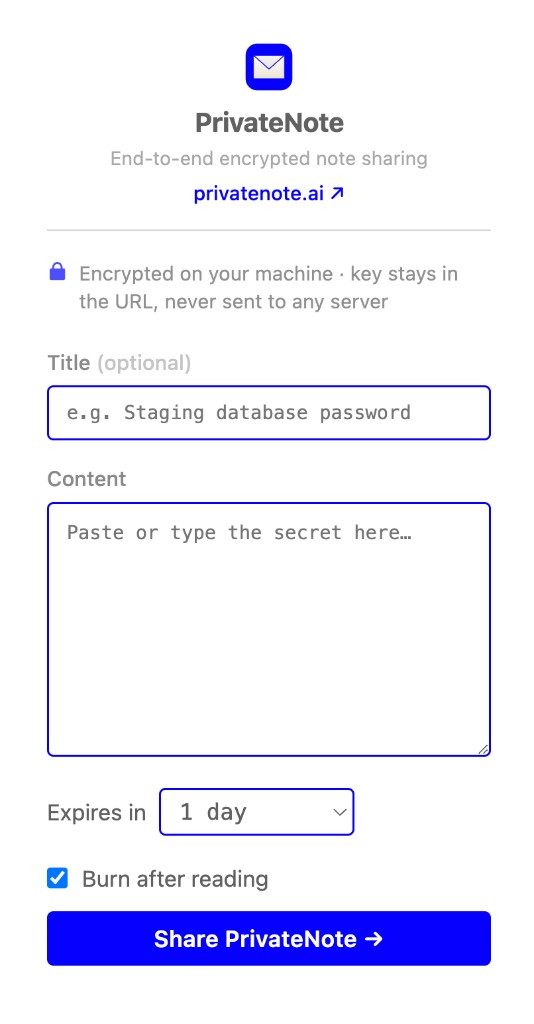
code --install-extension PrivateNote.privatenote-vscode
Encrypt selected text in place — context menu, popup, and Alt+Shift+P.
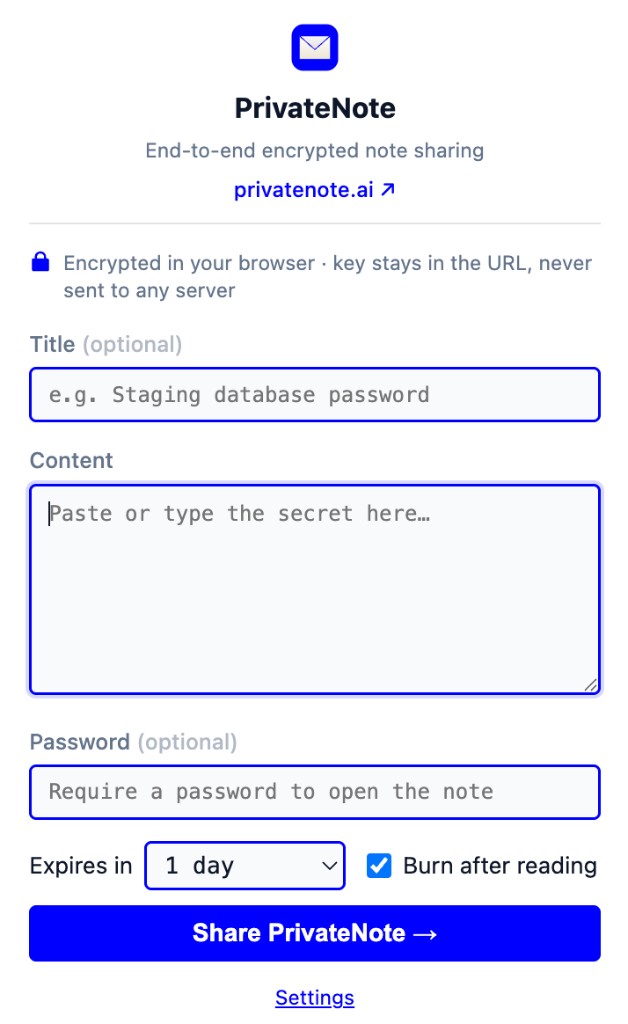
# Right-click selected text → Create PrivateNote
# Shortcut: Alt+Shift+P
Give AI agents a local create_private_note tool for secure handoffs.
// create_private_note{ "content": "recovery-code-…", "expiresIn": "1h", "burnAfterReading": true }https://privatenote.ai/note/a1b2c3d4#…
MCP plus skills for OpenAI Codex CLI and IDE.
codex mcp add privatenote -- npx -y privatenote-mcp
Recipes
Start from the job — pick the integration that matches where the secret lives and how it needs to move.
Pipe a GitHub Actions secret into the CLI and capture a one-time URL — keep plaintext out of workflow logs.
Select text in Slack, email, or a ticket and create an encrypted link without opening privatenote.ai first.
Let an MCP client call create_private_note with burn-after-reading when the agent needs a secure handoff.
Highlight env vars, API keys, or connection strings in VS Code or Cursor and hand off without switching apps — the link lands on your clipboard.
Register the MCP server once so Codex can create encrypted links during agent workflows instead of pasting secrets into chat.
Use the web app when the recipient only needs a link — set expiry, burn-after-reading, and an optional password in the browser.
What works today: point the CLI and MCP server at your API with PRIVATENOTE_API_BASE_URL, and the VS Code extension with privatenote.apiBaseUrl. A Docker Compose preview (docker-compose.yml) spins up a local web + API stack for evaluation.
Preview only — not a production on-premise runtime. The Chrome extension is hardcoded to privatenote.ai and cannot target a self-hosted API; use CLI (--insecure for local http://), MCP, or VS Code instead. Managed enterprise deployments are on the roadmap — contact us if you want early input.
Where it fits
Developer teams still pass around database passwords, recovery codes, API tokens, support handoff details, and customer-specific diagnostics. Those secrets often end up in chat history, ticket comments, pull request threads, or AI prompts because the secure path is too slow.
PrivateNote is meant to make the safer path quick. The integration should feel like creating a link, while the implementation keeps the sensitive text encrypted before it reaches the server.
Trust model
Architecture
Every integration follows the same boundary. Plaintext never leaves your device unencrypted; the server never receives the decryption key.
Encrypt locally
AES-256-GCM on your device — browser, editor, terminal, or MCP process.
Upload ciphertext
Only encrypted bytes and note metadata (expiry, burn-after-reading) reach the server.
Key in #fragment
The decryption key stays in the URL hash. Browsers do not send fragments in HTTP requests.
privatenote.ai/note/…#key
The plaintext is encrypted locally before upload.
The server stores ciphertext and note metadata, not the decryption key.
The key stays in the URL fragment, which is not sent in HTTP requests.
Read limits and expiry are enforced by the note service.
All integration paths should preserve the same basic contract: create ciphertext locally, upload only what the server needs to store and enforce, then share a link that carries the decryption key outside the request.
How encryption worksUse the web app for occasional sharing, the editor extension for daily developer work, the CLI for scripts and CI, and MCP when an agent needs a secure handoff primitive.